

Your move, supermarket.
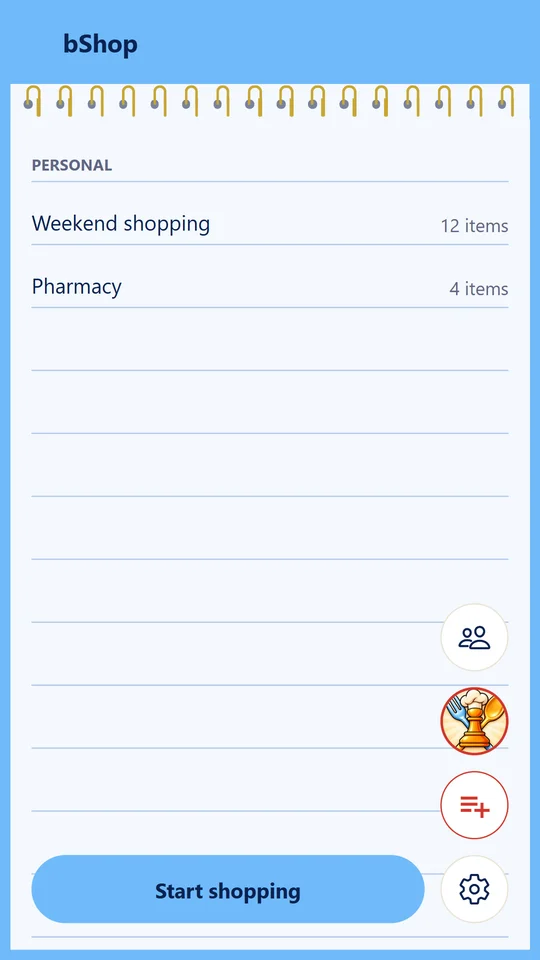
A shopping list that looks like a notepad, shared with your family and friends: sorted by aisle, with prices, ready when you go.
Coming soon to Google PlayFree, no sign-up, in six languages.
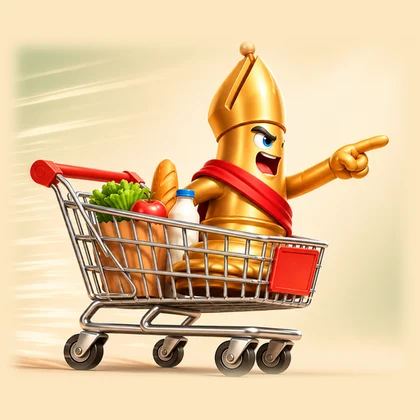
How it works
- 1Write, say or scan what you need
- 2Share the list with family or friends
- 3Shop aisle by aisle and see what costs less
Why bShop
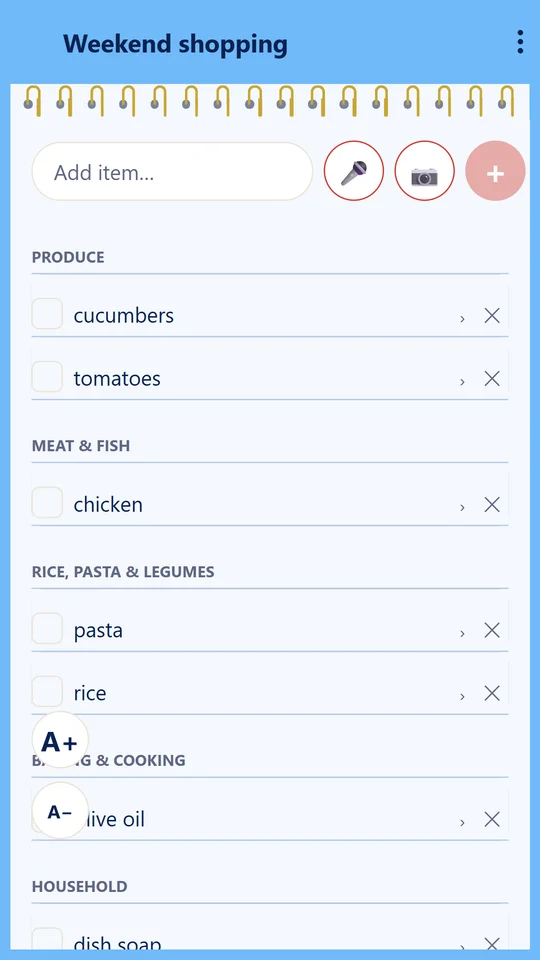
Sorted by aisle
Every item lands in its supermarket department, in the order you walk the store.
Shared, live
Each list is shared with one group, your family or friends; what anyone in it adds or ticks shows on all their phones.
Type, talk or scan
Add by typing, by voice or by barcode; tick by voice or scan, so kids can help.
Prices that help
Chain prices, a total for each list, and what costs less at another store.
Ready when you go
One tap: the nearest branch, all your lists in one, and a heads-up to your family that you’re shopping.
Private
No account. Personal lists stay on your phone; shared lists are end-to-end encrypted.
Questions
Is bShop free?
Yes. It's free to download and use, with no sign-up and no account.
Can anyone read my lists?
No. Personal lists stay on your phone. Shared lists are encrypted on the phone with a key only your group holds, so our server passes them on without being able to read them.
Where do the prices come from?
From the price files supermarket chains publish online. Today those are Israel's chains; more countries as their prices come online.
Does it work with CHEF-MATE?
Yes. CHEF-MATE, the meal planner, sends the week's shopping list straight into bShop.
Which languages does it speak?
English, Hebrew, Arabic, French, Spanish and Russian, right-to-left included.
Ready for the next shop?
Coming soon to Google Play